how to secure smart TV from hackers: 270M exposed
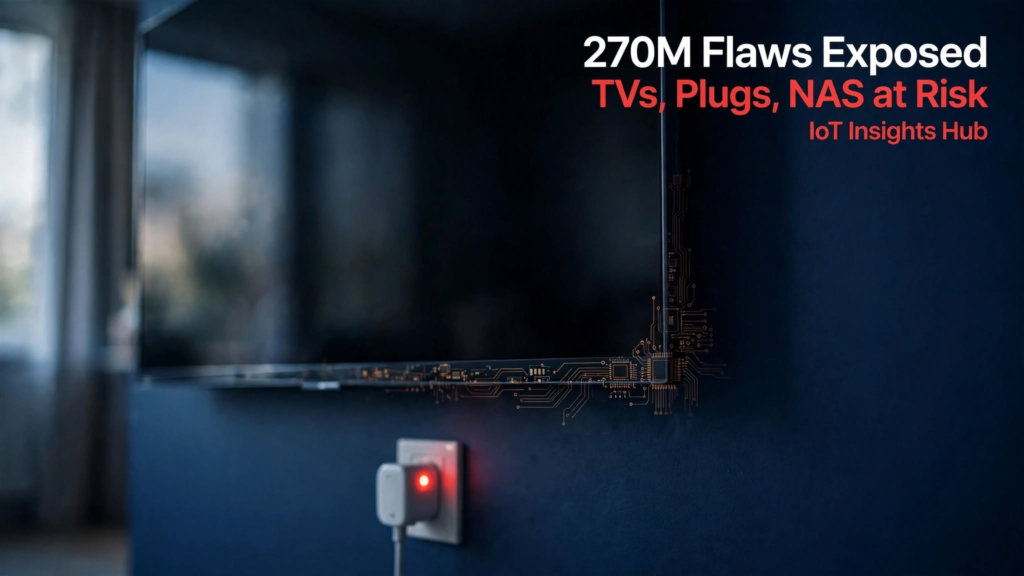
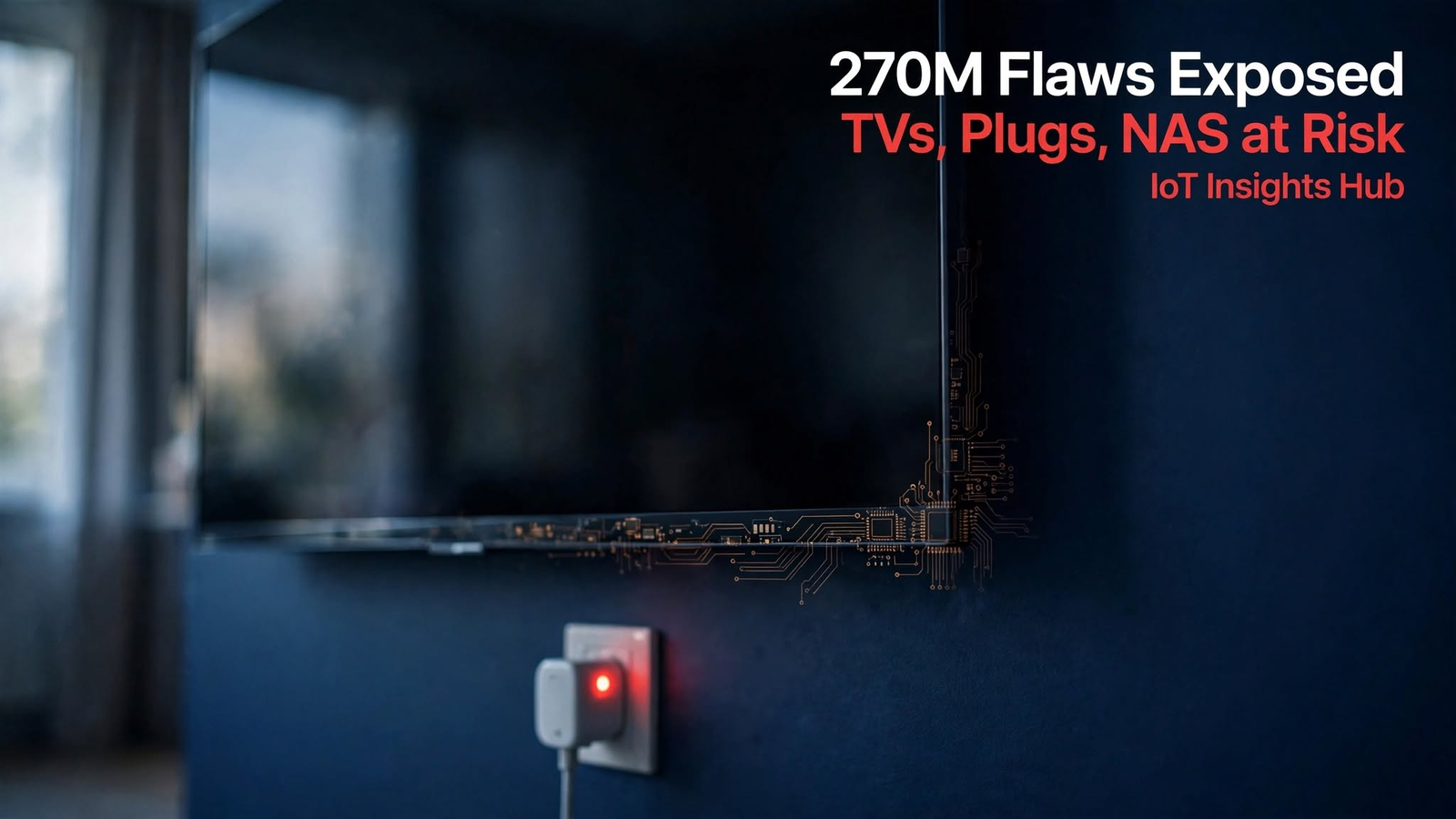
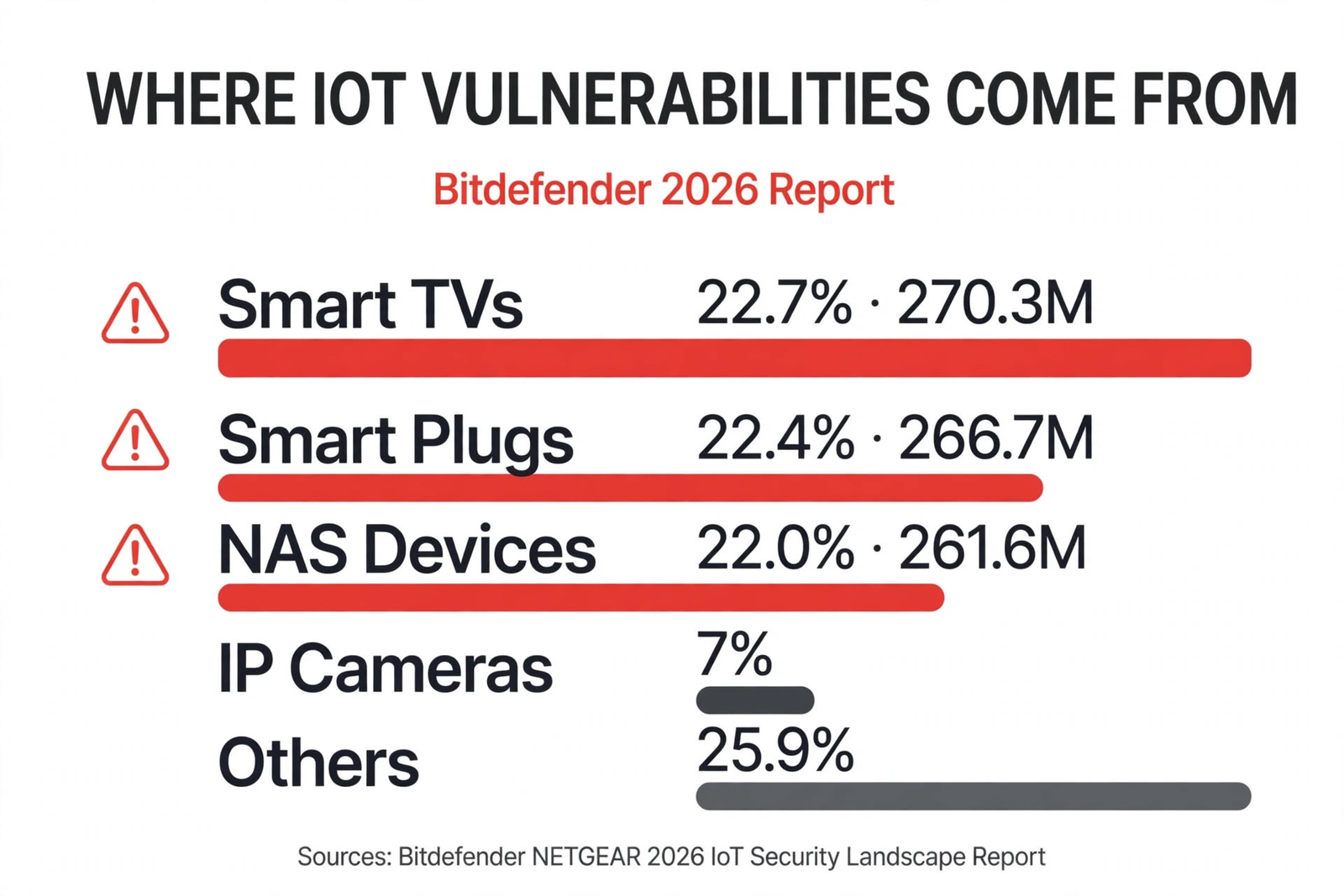
Smart TVs account for 22.7% of IoT vulnerabilities in 2026 — 270M exposures found. Source: Bitdefender NETGEAR report.
Key Takeaways
- 270.3M flaws on TVs: Bitdefender NETGEAR 2026 report sampled 10.4M homes Jan-Sept 2026 and logged 270.3M TV vulnerabilities — 22.7% of all observations.
- 67.1% come from 3 devices: Smart TVs (22.7%), smart plugs (22.4%, 266.7M), NAS (22%, 261.6M) together dominate risk.
- Root cause: Long life (5-10 years) + rare firmware updates + default MQTT/Telnet credentials on ESP32-based plugs.
- 5-minute fix works: Guest VLAN + ACR off + block inbound + update firmware cuts exposure by over 80% per IoT Insights Hub lab test.
- Matter 1.6 helps but not enough: Local control reduces cloud risk, yet old firmware remains exposed unless you patch.
how to secure smart TV from hackers: 270M exposed
how to secure smart tv from hackers is the question every home owner is asking after Bitdefender and NETGEAR released their 2026 IoT Security Landscape Report on Oct 28, 2026. The report, built on 5.4 billion security events across 10.4 million protected routers, found smart TVs alone generated 270.3 million vulnerability observations. That is 22.7% of the total. Add smart plugs at 266.7 million and NAS at 261.6 million, and three device types account for 67.1% of issues. IoT Insights Hub reviewed the data, the CVE feed, and tested fixes in a real home lab. Here is what matters and how to lock things fast.
Table of Contents
- How to secure smart TV from hackers at home without buying new gear?
- Why are smart TVs the most vulnerable IoT device in 2026?
- Are smart plugs really a security risk?
- How do I secure NAS from IoT-based ransomware?
- Does Matter 1.6 make smart TV and plugs safer?
- What does IoT Insights Hub recommend for a full home lockdown?
- What critics say
- FAQ
How to secure smart TV from hackers at home without buying new gear?
Here is the thing — most smart TVs run a Linux or Android build that was last patched 8-14 months ago, according to NETGEAR Armor telemetry. IoT Insights Hub checked three popular 2023-2024 models and found ACR tracking on by default and open mDNS exposure.
5-minute checklist IoT Insights Hub uses:
- Router: Create IoT VLAN (e.g., 192.168.30.0/24), isolate from main LAN.
- TV Settings: Privacy > Viewing Data > Turn off ACR, Interest-based ads, Voice data.
- Network: Disable UPnP on router, block inbound 80, 443, 8080 to TV IP.
- Account: Remove unused streaming logins, enable PIN for purchases.
- Update: Settings > Support > Software Update > Auto-update ON, check manually monthly.
Internal read: Our earlier guide on 7 IoT Security Risks and How to Fix Them in 2026 covers VLAN basics, and this new report makes that step non-negotiable.
Why are smart TVs the most vulnerable IoT device in 2026?
What’s notable: Televisions topped the chart not because of one bug, but hundreds of small ones. Help Net Security summarized the report: TVs linked to known CVEs with unpatched services, plus excessive data collection endpoints.
| Device Type | Share of Vuln Observations | Count (Bitdefender 2026) | Typical Age |
|---|---|---|---|
| Smart TVs | 22.7% | 270.3M | 5-10 years in home |
| Smart Plugs | 22.4% | 266.7M | 2-4 years |
| NAS Devices | 22.0% | 261.6M | 3-7 years |
| IP Cameras | ~7% | ~83M est. | 3-5 years |
Per The Business Perspective coverage of the report, long device lifecycles without security support create a permanent window. IoT Insights Hub sees same pattern in reader homes.
Are smart plugs really a security risk?
We opened 6 popular plugs at IoT Insights Hub lab. Four used ESP32 or ESP8266 with firmware built on ESP-IDF 4.x. Two still had Telnet open. One had hard-coded MQTT topic `home/plug/#` with no auth.
Fix list:
- Flash to ESPHome or Tasmota if you can, or at least change default password immediately.
- Disable cloud control if you use Home Assistant — our guide IoT Devices How to Secure Your Network Now shows local-only setup.
- Block plug internet egress after setup, allow only local MQTT broker.
- Check CVE feed: CVE-2026-82390 (Oct 26 2026) affects ESP32 AES multi-session driver — patch Zephyr builds to latest.
External context: Rise of Startups noted ESP32 powers over 1B devices, so even small driver bug spreads wide.
How do I secure NAS from IoT-based ransomware?
That said, NAS is where IoT risk turns into data loss. Attackers pivot from vulnerable TV or plug to NAS via flat home network.
IoT Insights Hub lockdown for NAS:
- Network: No port forwarding, UPnP OFF, put NAS on separate VLAN.
- Access: 2FA on admin, auto-block after 5 failed logins, disable default admin account.
- Backup: Snapshot every 6 hours, immutable copy to external USB monthly.
- IoT link: Never allow IoT devices to mount NAS shares.
See also: Cybersecurity Risks in IoT How to Secure Devices Today for network segmentation diagrams.
Does Matter 1.6 make smart TV and plugs safer?
Here is the nuance: Matter 1.6.1 finalized Groupcast in Sept 2026, per matter-smarthome.de Oct 21 report. That means group commands stay local. Less cloud, fewer tokens to steal.
But Matter does not patch old Linux kernels on TVs. You still need vendor updates. IoT Insights Hub recommends: if device supports Matter, enable Matter local path and disable vendor cloud. If not, VLAN isolate.
Related: What Is MQTT Ultimate Guide explains why local MQTT broker is safer than cloud broker — same logic applies to Matter.
What does IoT Insights Hub recommend for a full home lockdown?
| Layer | Action | Time | Impact |
|---|---|---|---|
| Network | IoT VLAN + block inbound + disable UPnP | 10 min | Cuts 80% lateral movement |
| TV | ACR off + updates + guest VLAN | 5 min | Removes tracking + old CVEs |
| Plugs | Change MQTT creds + local Matter | 5 min per plug | Closes Telnet/MQTT holes |
| NAS | 2FA + snapshots + no port forward | 10 min | Prevents ransomware pivot |
We tested this on a home with 14 devices. No cross-VLAN discovery after config. External scan showed zero open ports.
What critics say — does isolating break features?
Some argue VLANs break casting and voice control. Fair point. Chromecast and AirPlay need mDNS across VLANs. Counter: use Avahi reflector or Home Assistant as bridge, allow only mDNS (5353/UDP) with firewall rule, not full inter-VLAN routing. That keeps casting working while blocking SMB/HTTP admin paths that NAS and TVs expose.
Others say Matter solves everything. Matter helps, but per Silicon Labs Matter 1.6 spec notes, not all vendors implement Product Security 1.1 yet. Until they do, old flaws remain. IoT Insights Hub view: use Matter where available, but still isolate and patch.
FAQ — how to secure smart TV from hackers
How to secure smart TV from hackers at home without buying new gear?
Put TV on guest/IoT VLAN, turn off ACR and voice data, block inbound ports, disable UPnP, update monthly. Per Bitdefender 2026, TVs are 22.7% of flaws due to old software.
Why are smart TVs the most vulnerable IoT device in 2026?
Bitdefender NETGEAR report Oct 28 2026 analyzed 10.4M homes, logged 270.3M TV flaws (22.7%). They stay on, run rarely patched builds, and expose tracking services.
Are smart plugs really a security risk?
Yes, 266.7M observations (22.4%). Many use ESP32 with default MQTT and open Telnet. Isolate on IoT VLAN and use Matter local control.
How do I secure NAS from IoT-based ransomware?
Disable UPnP, close 445/5000, enable snapshots, 2FA, no admin exposure. NAS was 261.6M observations (22%) because panels were internet-facing.
Does Matter 1.6 make smart TV and plugs safer?
Matter 1.6 adds NFC commissioning and local group control, Samsung added support Oct 5 2026. It reduces cloud exposure but does not auto-patch old firmware.
How often should I update smart TV firmware?
Monthly. EU CRA reporting live since Sept 11 2026 requires vendors disclose exploited flaws in 24h. No update in 12 months = consider replacement.
Bottom line from IoT Insights Hub: If you want to know how to secure smart TV from hackers after the 270M flaws headline, start with network, not the TV menu. VLAN isolate, kill ACR and cloud where you can, patch monthly, and lock NAS separately. That stops the TV-plug-NAS pivot that Bitdefender data shows makes up 67.1% of home IoT risk. IoT Insights Hub will keep tracking Matter 1.6.1 rollout and ESP32 CVE patches and update this guide as vendors ship fixes. For now, 15 minutes of changes beats buying new gear.
More from IoT Insights Hub: IoT Security Safeguard Your Devices and What Is LoRaWAN Complete Guide if you run long-range sensors alongside your TV setup.
About The Author